Attention!You are viewing outdated ink! 5 docs. Click here to view the latest docs.

Contracts on Paseo
Paseo is a testnet for Polkadot and Kusama parachains.
How can I use it?
(1) Create an Account
As a first step, you should create an account. This can be done via command-line
tools (e.g. subxt) or via a wallet (e.g. with the polkadot-js browser extension).
See here for a detailed guide.
(2) Get Testnet Tokens
As a second step, you have to get PAS testnet tokens through the Paseo Faucet.
Alternatively, you can use the Matrix chat room. You must send a message like this:
!drip <PASEO_ADDRESS>
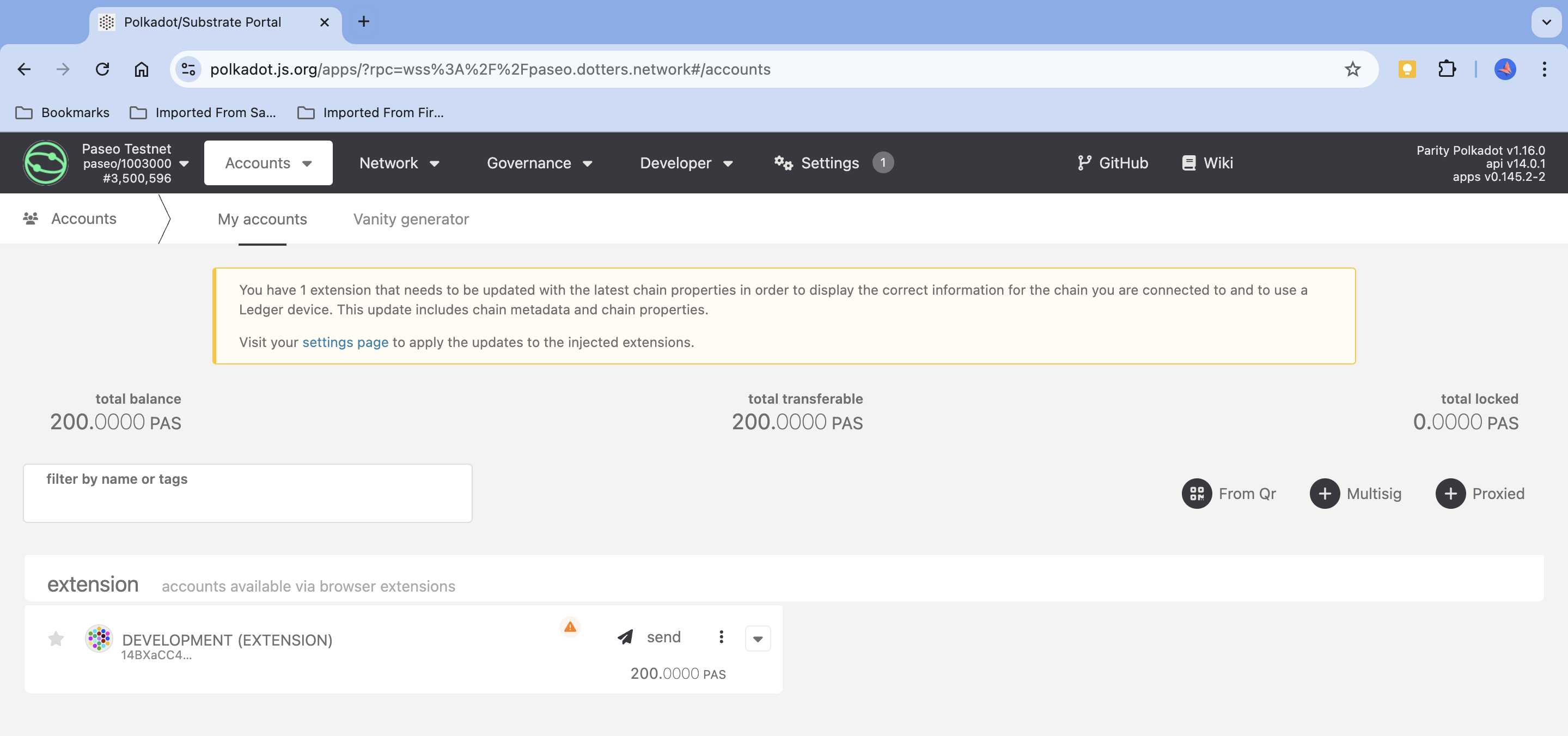
If everything worked out, the PAS tokens will show up in your account.
In case you are using the polkadot-js frontend, you can see them under
the "Accounts" tab for Paseo.
(3) Deploy Your Contract
Once you have PAS on Paseo you can bridge them from Paseo to Pop and deploy by following the instructions in the Pop Docs here.